S3 node
Use the S3 node to automate work in non-AWS S3 storage and integrate S3 with other applications. n8n has built-in support for a wide range of S3 features, including creating, deleting, and getting buckets, files, and folders. For AWS S3, use AWS S3.
Use the S3 node for non-AWS S3 solutions like:
On this page, you’ll find a list of operations the S3 node supports and links to more resources.
Note
Credentials Refer to S3 credentials for guidance on setting up authentication.
Note
This node can be used as an AI tool This node can be used to enhance the capabilities of an AI agent. When used in this way, many parameters can be set automatically, or with information directed by AI - find out more in the AI tool parameters documentation.
Operations
Bucket
Create a bucket
Delete a bucket
Get all buckets
Search within a bucket
File
Copy a file
Delete a file
Download a file
Get all files
Upload a file
/// note | Attach file for upload To attach a file for upload, use another node to pass the file as a data property. Nodes like the Read/Write Files from Disk node or the HTTP Request work well. ///
Folder
Create a folder
Delete a folder
Get all folders
Templates and examples
Node reference
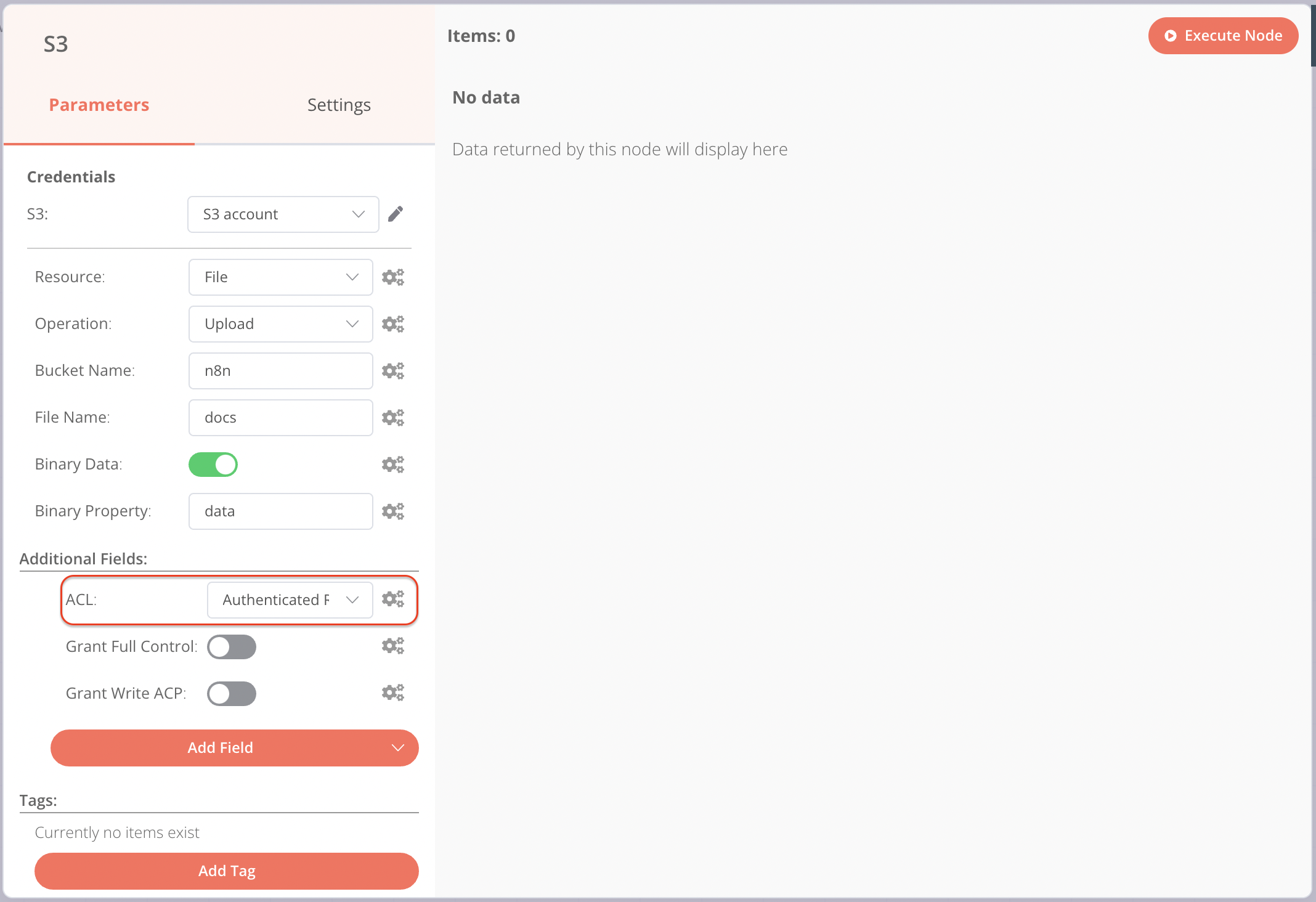
Setting file permissions in Wasabi
When uploading files to Wasabi, you must set permissions for the files using the ACL dropdown and not the toggles.